On 21 October 2026 the PHP developers rushed out fixes for two serious vulnerabilities, which the press has dubbed PHP2Shell. PHP is the language that runs WordPress and most other CMSs (content management systems), so this PHP vulnerability affects almost every small business website. A vulnerability is a flaw in software that lets an outsider do something they should not be able to do.
Below is the situation as of 22 October 2026: what happened, whether it affects you, how to check your PHP version and what to do if your site is already behaving oddly. The information changes daily, so I link to the original sources. On the servers Zen Webmaster maintains, PHP has already been updated.
No time to deal with this?
I will check your site for signs of a hack since 17 October and, if there are any, clean it up: malware cleanup from €100 excl. VAT, scope set after diagnosis. If you’d rather do it yourself, everything is explained step by step below.
What happened: the PHP vulnerability explained
There are two vulnerabilities: CVE-2026-109618 and CVE-2026-109619 (a CVE is the standard identifier a vulnerability is given in every security database). Both let an attacker run their own code on your server without logging in (in security jargon, unauthenticated remote code execution): no password or account is needed. Put simply, in the worst case an attacker gains access to your site’s files and can do whatever they like with them.
The PHP team rated both flaws 9.2 out of 10 on the CVSS scale (the standard severity scale for vulnerabilities). That is a very high score. The 10.0 figure you may have seen in the news is wrong: it came from a leak before the official release, and the PHP Foundation has confirmed it was wrong. The same leak is why the fixes came out a day early, on 21 October instead of the 22nd.
The patched versions were released on 21 October: 8.5.12, 8.4.27, 8.3.36 and 8.2.35 (php.net). According to php.net, every PHP installation that serves web requests is at risk, which means practically every PHP website. The researchers who found the flaw confirmed that the attack works without logging in against certain versions of WordPress and other popular CMSs.
What we know about the attacks

At release time
The PHP team reviewed the proof-of-concept attack code circulating online and found none that worked at the time the fixes were released.

First attempt on 17 October
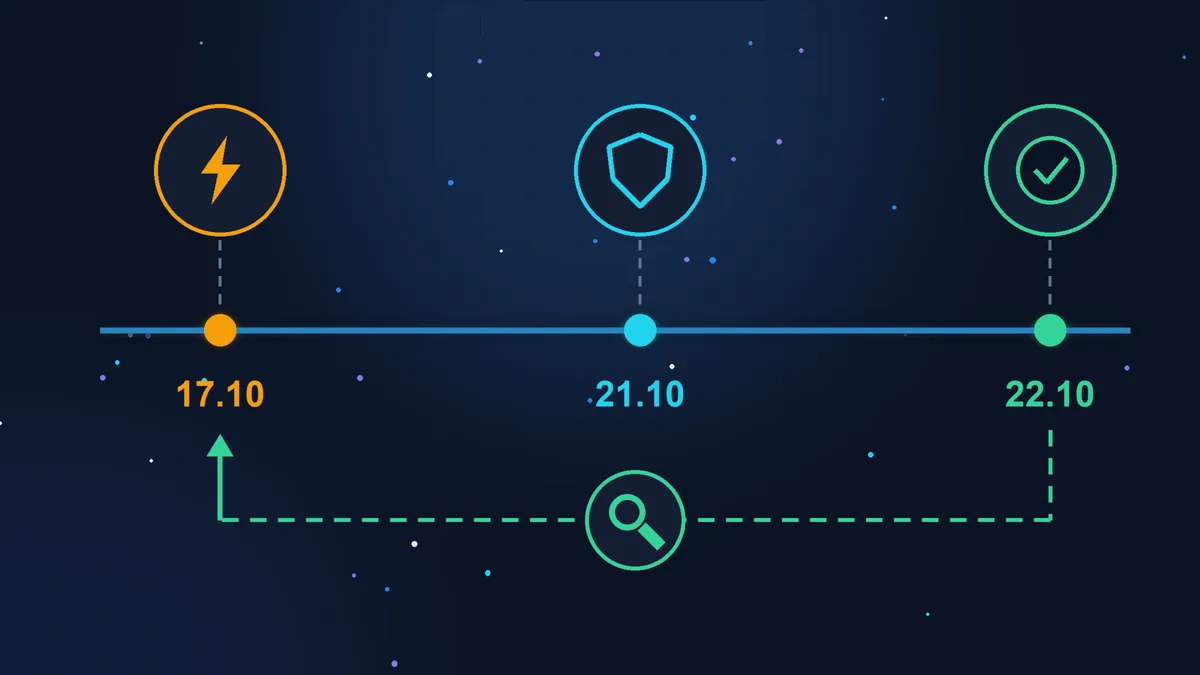
Amazon Threat Intelligence spotted an attack attempt on 17 October, four days before the fixes were published, and further attempts on the 21st. Cloudflare and watchTowr also report attempts.

Temporary protection
Cloudflare has switched on web application firewall (WAF) rules for all customers, including the free plan. This only helps if your site runs through Cloudflare, and it does not replace the update.
This summary of the attacks is based on the Tenable FAQ of 21 October. As of 22 October there are no reports of successful mass hacks, but that is probably only a matter of time. There is no need to panic, but don’t put it off either: attacks are already under way, and the longer a server goes without the update, the more likely it is to be compromised.
Who updates PHP
Your website can’t update PHP on its own. That is the job of whoever runs the server.

Standard hosting
Your site sits on a shared server at a hosting company (in French: hébergement mutualisé). Fixes within a branch, for example from 8.3.35 to 8.3.36, are installed by the host. Your job is to make sure this has been done and that the branch you use (8.3, 8.4) is not outdated. The branch is usually switched in the hosting control panel, in the PHP section.

Your own server or VPS
If you have a separate server (VPS), its software is your responsibility or your contractor’s. The host only provides the hardware. Here, nobody will install the update for you.
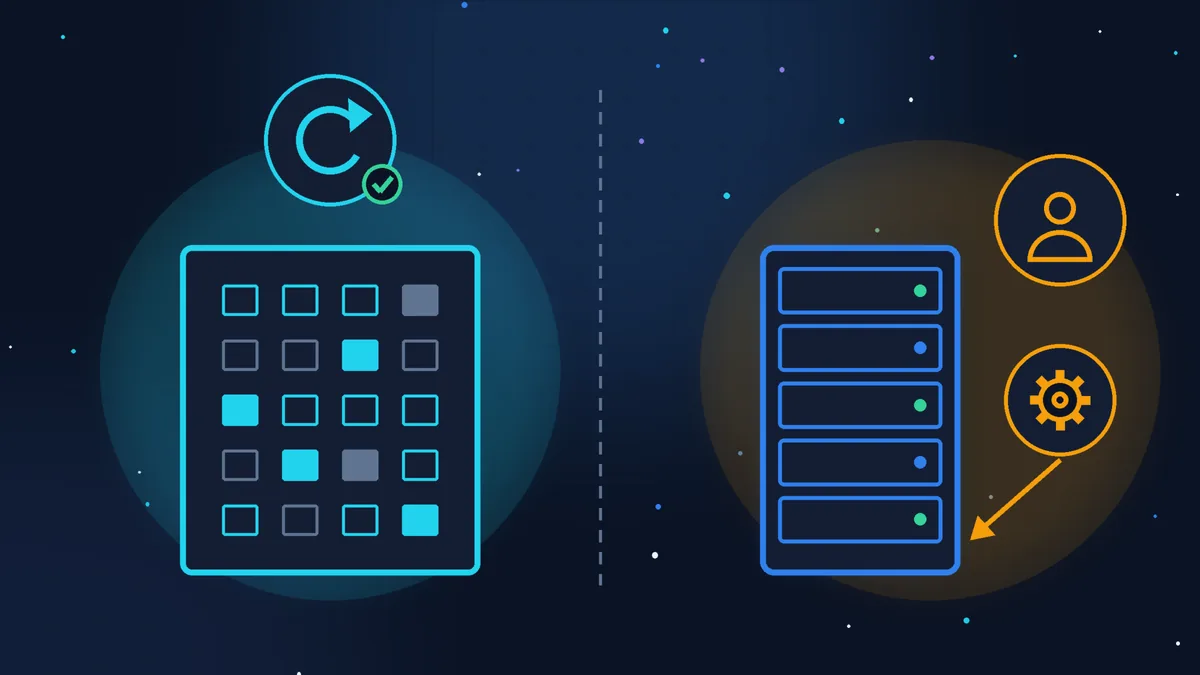
If your site is built with a hosted website builder such as Wix or Shopify, the platform looks after the servers, and there is nothing for you to do here.
How to check your PHP version
In the WordPress dashboard: Tools > Site Health, Info tab, Server section, PHP version line. In the French interface: Outils > Santé du site > Informations > Serveur > Version de PHP. Look at the full number, for example 8.3.36, not just 8.3.
As of 22 October 2026, versions at or above these are considered safe:
| Branch | Safe from | Supported until |
|---|---|---|
| 8.5 | 8.5.12 | 31/12/2029 |
| 8.4 | 8.4.27 | 31/12/2028 |
| 8.3 | 8.3.36 | 31/12/2027 |
| 8.2 | 8.2.35 | 31/12/2026 |
| 8.1 and older | no official fix | ended |
Three caveats:
- The number may not match the table. On servers that use a Linux distribution’s PHP packages, the fix is often applied without changing the version number (this is called backporting). You might see 8.3.6, for example, with the patch already in place. If the number is followed by a suffix such as -0ubuntu or -deb, that is exactly this kind of package. So if your number is lower than in the table, do not draw conclusions yourself: ask your host whether CVE-2026-109618 and CVE-2026-109619 have been fixed on their side.
- PHP 8.1 and older. The PHP project no longer releases new versions for them. Some Linux distributions and long-term support vendors (for example Ubuntu Pro, AlmaLinux, Red Hat) have released their own patched packages for older versions too, but it is best not to rely on that: if you are on 7.x or 8.1, you need to move to 8.3 or 8.4 regardless.
- PHP 8.2 stops receiving fixes on 31 December 2026, so plan a move from it as well.
What to do now
- Check your version as described above and write it down.
- Write to your host, even if your version is already recent: “Have the fixes for CVE-2026-109618 and CVE-2026-109619 been applied on my hosting?” (in French: “Les correctifs pour CVE-2026-109618 et CVE-2026-109619 sont-ils appliqués sur mon hébergement ?”). A good host will reply quickly and precisely.
- If you have your own server, ask your contractor to update PHP today. The temporary settings php.net describes for those who cannot update straight away only reduce the risk, and they are a job for a server administrator, not for the site owner.
- If your branch is outdated (8.1 or older), back up the site and switch the branch in your hosting control panel, then check the home page, the contact form and payments. Old themes and plugins may not work on a newer version, which is why the backup is essential. If something breaks, you can switch the version back with the same setting, but that is only a temporary step: the old branch remains vulnerable, so call in a specialist straight away.
- Update WordPress, your theme and your plugins. This does not fix PHP2Shell, but it closes other doors that attackers have known about for a long time.
If your site has already been hacked or you suspect it
Signs worth checking: the site redirects visitors to sites you don’t recognise, strange pages have appeared in Google under your address (as in the case of Japanese spam), there are new administrators in the dashboard that you did not create, your host reports suspicious activity or spam being sent, or the browser shows a warning. More on the first signs in the article WordPress site hacked: the first warning signs.
What to do, in order:
- Don’t panic, and don’t delete anything straight away. Once a suspicious file is deleted, it can no longer tell you how the attacker got in.
- Make a full copy of the site as it is (files and database) and keep it separate from your regular backups. This is your evidence: it will be used to work out how and when the hack happened.
- Check events from 17 October 2026 onwards. This is Amazon’s advice: that is when the first attempt was recorded. Ask your host for the server logs from that date and compare them with your backups: the last backup before the 17th is most likely clean.
- Make sure PHP has been updated, otherwise the attacker will come back through the same door after the clean-up.
- Clean the site: remove the malicious code and unknown users, check the database and scheduled tasks (cron jobs).
- Change all passwords after the clean-up, not before: WordPress admin, FTP or SFTP, database, hosting control panel, email. If you change them before cleaning, the same malicious code may capture the new ones.
- If personal data may have leaked (form submissions, orders, customer accounts), this is a GDPR matter (RGPD in France). Under Article 33 of the GDPR, you must notify the CNIL (the French data protection authority) without undue delay and, where feasible, within 72 hours of becoming aware of the breach, unless it is unlikely to result in a risk to people’s rights and freedoms. Either way, the breach must be recorded in your internal breach register. I am not a lawyer: check your own situation on the CNIL page on data breaches (in French).
Quick checklist
- check your PHP version: Tools > Site Health > Info > Server;
- ask your host whether CVE-2026-109618 and CVE-2026-109619 are fixed;
- on your own server: update PHP today;
- on 8.1 or older: backup, move to 8.3 or 8.4, check the form and payments;
- update WordPress, the theme and plugins;
- if in doubt: a copy kept as evidence, a check from 17 October, clean-up, then new passwords;
- if personal data has leaked: notify the CNIL within 72 hours unless a risk to people is unlikely, and record the breach in your internal register.
Where to stop
Any site owner can check the version and write to their host: it takes 15 minutes. Beyond that, it’s best not to tackle it yourself if the site is on your own server and nobody can update it, if you are on PHP 8.1 or lower and the site has not been updated for a long time, or if there is even one sign of a hack. A rough-and-ready clean-up often leaves a back door open, and a week later it all starts again.
If your time is worth more
If you have the time and the inclination, these steps are enough to close the vulnerability and check your site calmly. If you would rather not dig through logs and files, Zen Webmaster will take care of the technical side: a copy, a search for traces since 17 October, clean-up, closing the vulnerability and changing all passwords and access credentials. Malware cleanup costs from €100 excl. VAT, with the scope set after diagnosis. And to make sure updates like this simply happen on time, there is WordPress maintenance from €79 excl. VAT a month, or website maintenance for other CMSs.
Sources (checked 22/10/2026): release announcements of 21 October 2026, php.net; Today’s PHP security release, PHP Foundation; PHP2Shell FAQ, Tenable; Multiples vulnérabilités dans PHP, CERTFR-2026-ALE-014, CERT-FR (ANSSI, in French); Notifier une violation de données personnelles, CNIL (in French); WordPress menu labels as they appear in the English interface.
Rather not deal with it yourself?
Describe the task in a few words. I'll reply within one working day with what needs doing, the price and the timing.
Latest posts