
WordPress is still worth using for a small business, though not as some abstract “best CMS”. Its real strength lies elsewhere: WordPress lets you launch a solid site quickly, provided you start from a good-quality premium theme, adapt it to the business, and do not skip the technical setup.
According to W3Techs, as of 23 July 2026, WordPress powers 41.2% of all websites and holds 59.1% of the market among sites with a known CMS. BuiltWith gives a different figure: around 38 million confirmed live WordPress sites. That gap is normal, since the two services use different counting methods. But the conclusion is the same either way: WordPress has not gone anywhere. It is still the most widely used CMS in the world.
For a small business owner, the figure itself matters less than a practical question: can you get a working WordPress site quickly, without building everything from scratch? Yes, you can, especially by using ready-made templates and themes from marketplaces like ThemeForest.
What a ready-made WordPress theme gives you
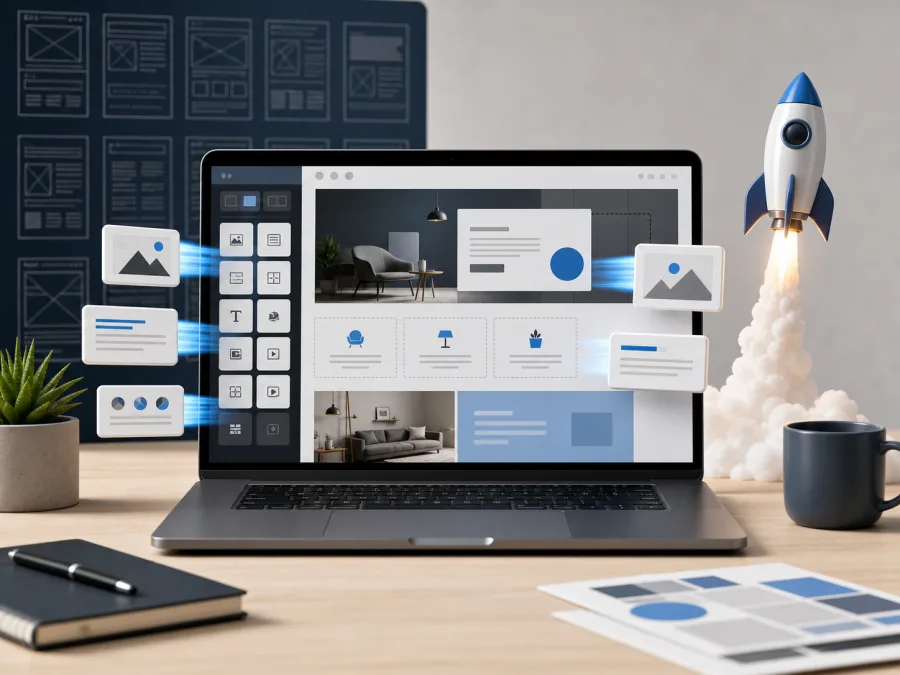
A ready-made theme is not just “a nice picture”. A good theme already contains the structure of a future site:
- a homepage
- service pages
- blocks highlighting your strengths
- a portfolio or case studies
- a blog
- forms
- mobile adaptation
- a set of ready-made sections
- styling for buttons, cards, headings and the menu
- sometimes ready demos for different industries
That means you can start faster. There is no need to draw every page from scratch, argue over every margin, or invent a basic structure. You can pick a demo close to your business, swap out the text, images, colours, menu and forms, and bring the site to a working state.
For a small business, that is often more sensible than starting with a fully custom design, especially for a simple need: a services site, or a site for a tradesperson, a salon, a restaurant, a small company, a consultant, an agency, a portfolio, or a local service.
How quickly a template-based site can launch
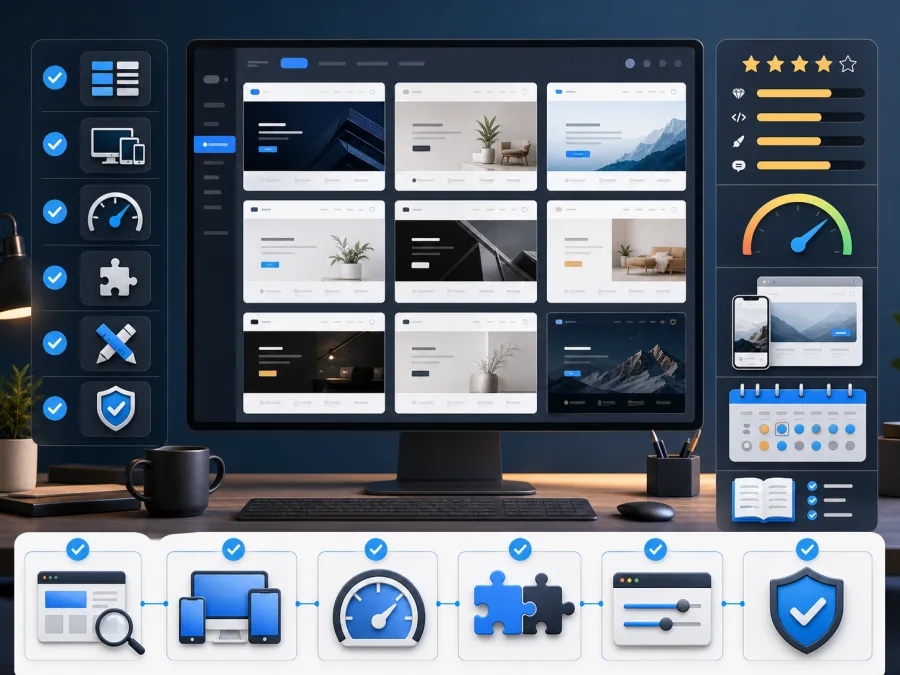
If a business already has its copy, logo, service list, photos and a clear idea of its structure, a draft site on a ready-made theme can come together quite quickly. Sometimes a first working version can be ready within a few days:
- install WordPress
- install the theme
- import the demo content
- choose the right homepage variant
- remove unnecessary demo blocks
- replace the text and images
- set up the menu
- connect the contact forms
- do basic SEO
- check the mobile version
That is the main advantage of the template approach: you are not starting from a blank page. You start from a finished foundation and adapt it to your own needs.
But it is worth understanding the difference between “putting it together fast” and “getting a genuinely good site”. Almost anyone can install a theme quickly. Turning it into something tidy, clear and stable is a separate piece of work altogether.
What a template already includes “out of the box”
A good premium theme often covers things you would otherwise have to pay for separately with custom development.
For example, a theme might already include:
- designs for several page types
- responsive layout for mobile
- ready-made blocks for services
- a portfolio grid
- a blog template
- animations
- a header and footer
- a set of icons
- colour and font settings
- integration with Elementor or another page builder
- a demo import
For a business owner, that is convenient. There is no need to explain to a designer from scratch what a services block or a project card should roughly look like. You can pick something similar and adapt it.
So a template does not necessarily mean “cheap and poor quality”. Sometimes a template is simply a fast way to get a professional foundation, provided it is chosen carefully and set up properly.
The advantages of a template-based solution
The first advantage is speed. The site can launch faster than with fully custom development.
The second is a clear visual starting point. The client immediately sees something to work from, which cuts down on endless discussions about “what it will look like”.
The third is budget savings. Part of the design and technical work has already been done by the theme’s author.
The fourth is a wide range of ready-made scenarios. Popular themes often have demos for agencies, services, restaurants, shops, education, portfolios, SaaS, healthcare, construction and other industries.
The fifth is WordPress’s extensibility. If the site grows, you can add a blog, extra languages, forms, a catalogue, integrations, analytics, ad pixels, a customer account area, or an online shop.
The drawbacks of a template-based solution

A template can also become a problem of its own.
The first risk is a heavy theme. Some themes look impressive but drag along a lot of scripts, animations and unnecessary plugins. Everything looks great on the demo, while the real site loads slowly.
The second risk is leftover demo content. After importing into WordPress, dozens of pages, posts, portfolio items, sliders and menus can appear that need deleting or moving to drafts. Skip that step, and the site ends up looking like a mash-up of your business and someone else’s showcase.
The third risk is dependency on a page builder. If the theme is built on Elementor, WPBakery or another editor, you need to understand how pages will be edited afterwards, and who is going to be responsible for that.
The fourth risk is weak adaptation to the actual business. You cannot just swap the logo and a couple of words. The services, calls to action, the form, the menu structure, trust signals, local SEO, the language and the contact details all need to match the real company.
The fifth risk is updates. The theme, plugins and WordPress itself all need updating. A backup is needed beforehand, and a check afterwards. Without that, one “update everything” button can break the site.
When WordPress with a ready-made theme fits well
This approach works well if you need:
- a services site
- a local business website
- a site for a restaurant, café, salon or tradesperson
- a site for an agency or consultant
- a portfolio
- a blog built around SEO
- a multilingual site
- a small catalogue
- a site you can keep developing after launch
It is a good option when the business does not need an experiment, but a clear, working foundation.
When it is better not to go the template route
A ready-made theme is not always the right path.
If the project involves complex logic, personal accounts, non-standard user roles, an unusual CRM integration, a complex catalogue, a custom booking system, or a unique interface, a template can get in the way rather than help. In those cases, it is better to design the functionality first, rather than picking an attractive theme.
A template also cannot save a site with nothing behind it. Even a good theme will look empty if the business has no clear offer, no service list, no photos, no price guide, no FAQ, and no proper contact details.
How to choose a theme on ThemeForest
When choosing a theme, it is worth looking beyond appearance.
Check:
- when the theme was last updated
- whether it is compatible with the current version of WordPress
- which plugins are required
- whether there is a demo close to your industry
- how quickly the demo site loads
- whether there is a proper mobile version
- how many sales and reviews the theme has
- whether the documentation is clear
- whether unnecessary effects can be switched off
- whether the finished site risks still looking too much like “a demo”
Appearance matters, but for a business, something else matters more: the site needs to open quickly, explain the services clearly, and lead to an enquiry.
Where a professional helps here

Choosing and installing a theme yourself is entirely possible. But problems most often show up not at installation, but in the details.
It takes work to:
- choose a theme suited to the need, not just an attractive one
- install it without unnecessary clutter
- import only the demo blocks that are actually needed
- adapt the structure to the real services on offer
- set up the forms and e-mail delivery
- do basic SEO
- remove unnecessary plugins
- optimise the images
- check the mobile version
- configure caching and speed
- make a backup
- prepare the site for ongoing maintenance
This is exactly the point where a template-based site stops being a demo picture and becomes a genuine working tool.
The practical takeaway
In 2026, WordPress is still worth using for a small business if the goal is a manageable site that can be developed further, and fast. Ready-made themes and templates make getting started affordable: there is no need to pay for custom design on every single section; you can start from an existing foundation and adapt it.
But a template does not replace professional setup. It saves time at the start, but it does not solve the structure, the copy, the speed, the security, the forms, the SEO or the ongoing maintenance for you.
Zen Webmaster can help with that stage: choosing a suitable WordPress theme, installing it, configuring it for your business, clearing out the unnecessary parts, adapting the pages, connecting the forms, preparing basic SEO, and making the site easy to work with going forward.
If you are already thinking about launching, you can see how our website maintenance works after setup, along with the full list of services for small businesses.
If you want a fast start with no chaos in the admin area and no endless battle against demo content, a template-based WordPress solution can be a good option. What matters most is choosing it deliberately, and configuring it not “like the demo”, but for real customers.
Sources for the figures
- W3Techs, Usage statistics and market share of WordPress, 23 July 2026: https://w3techs.com/technologies/details/cm-wordpress
- W3Techs, Content Management Systems overview, 23 July 2026: https://w3techs.com/technologies/overview/content_management
- BuiltWith, WordPress Usage Statistics, 23 July 2026: https://trends.builtwith.com/cms/WordPress
- WordPress.org Plugin Directory: https://wordpress.org/plugins/
- WordPress.org Theme Directory: https://wordpress.org/themes/
Rather not deal with it yourself?
Describe the task in a few words. I'll reply within one working day with what needs doing, the price and the timing.
Latest posts