
You want someone to look after your WordPress site and you get three offers: €15 a month, €49 and €150. All three promise the same thing: “updates, backups, security”. The choice seems obvious. But the same words usually hide very different work, and the difference shows up on the day an update stops your contact form from working.
In short, here is what WordPress maintenance costs in France: an automated service runs €0-20 a month, a freelancer €29-80, an agency €70-500, and a one-off call-out without a plan €85-400 per incident. Below we look at why the range is so wide.
We will go through what you actually buy with a maintenance plan (in French, a forfait or contrat de maintenance), what it usually leaves out, what the market charges and when it makes more sense not to sign up at all and call in a specialist when something goes wrong. I covered the building blocks of proper maintenance in detail in What proper website maintenance includes. This article is about money and how to compare offers.
What WordPress does on its own, for free
Let’s start with a simple fact. Since version 3.7, WordPress installs minor core updates by itself, meaning bug and security fixes. On sites installed with version 5.6 or later, major core updates are also installed automatically by default. Since version 5.5, you can turn on auto-updates for each plugin and theme, and WordPress will then install them twice a day and send you an email saying whether the update worked (WordPress documentation).
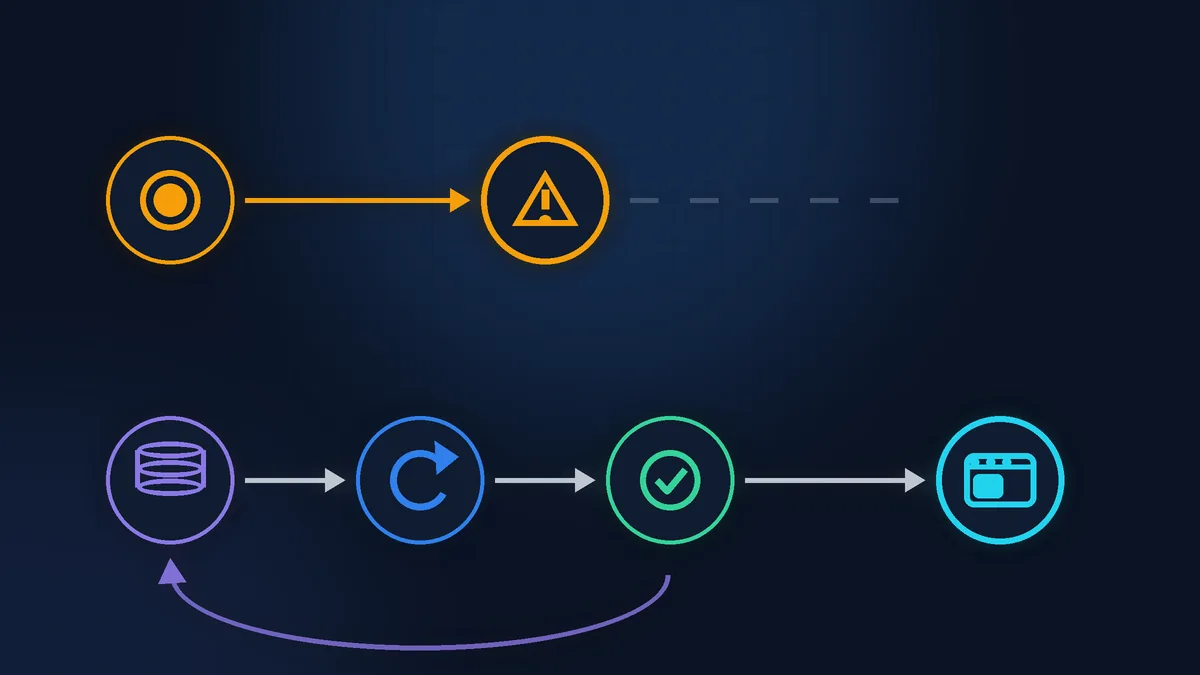
So clicking the “update” button is worth next to nothing. If a plan comes down to that, you are paying for something the site can already do without you. What you pay for in maintenance is something else: the backup before the update, the check afterwards, the rollback if something breaks, and a person who spots the problem before your customers do.
What you buy with a proper maintenance plan
The offers all use the same words, so look less at the list and more at how each item is actually done.

Updates with a backup first
Before an update, a fresh backup of the files and the database is made. The WordPress documentation advises always backing up the database before updating. Without this, “updates” just means “click and hope”.

A check afterwards
A person opens the home page and the service pages, sends a test enquiry and checks the basket if it is a shop. This is exactly the step automated services leave out.

Monitoring
A service regularly checks that the site loads and sends an alert if it does not. What matters is who gets the alert and what that person has to do next.

Security
Checking for unnecessary admin accounts, outdated plugins and suspicious files. Ask separately whether malware cleanup is included if the site does get hacked.

A report
A short email: what was updated, when the backup was made, whether there were any errors. It shows you what you are paying for, so you don’t have to take anyone’s word for it.

Response time
How many hours it takes the provider to start work if the site goes down, and on which days and at what times. If it is not in writing, it is not promised.
What a plan usually leaves out
This is where most surprises come from. French providers name the same exclusions in their own pricing guides (Clickdev, July 2026; Sécurité WP, September 2026; both in French):
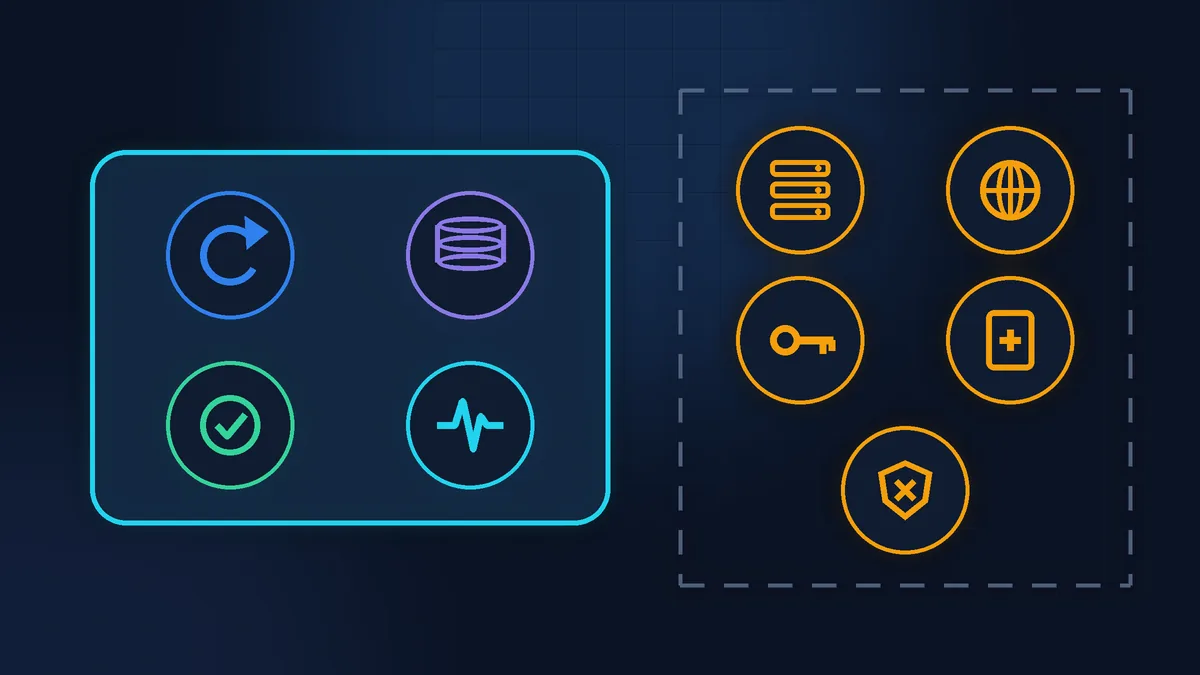
- hosting and the domain name. You pay for these separately, to the hosting company and the registrar;
- licences for paid plugins and themes. For example a page builder or a forms plugin with a yearly subscription. Check whose name the licence is in: if it is the provider’s, it may leave with them when the contract ends;
- new pages, new features, a redesign. A plan keeps the site in good order rather than developing it;
- cleanup after a hack. Some include it, others bill it by the hour;
- urgent work in the evening and at weekends. This is often billed separately, at an hourly rate or with a surcharge.
WordPress maintenance cost: market rates
There are no independent statistics on WordPress maintenance in France. There are pricing guides published by the providers themselves, and their figures are close. Here are the ranges given between June and September 2026 by Adrien Bouchez and Sécurité WP (both in French).
| Format | Price |
|---|---|
| Automated service, no human involved | €0-20 per month |
| Hosting with maintenance included | €3-25 per month |
| Freelancer | €29-80 per month |
| Agency | €70-500 per month |
| One-off call-out without a plan | €85-400 per incident |
Bear in mind that each author is selling their own plans, so treat this as a guide, not a standard. The more important point is this: in the first row of the table, there is no person at all. An automated service will update your plugins and send a report, but it will not open your form or notice that the menu has shifted on mobile after the update. An agency costs more than a freelancer mainly because the contract sets a response time and includes a staging (test) copy of the site and a set number of hours for changes.
What Zen Webmaster charges
My prices are public. Zen Base covers updates to WordPress, the theme and plugins, backups, a basic security check, checks on forms and visible errors, and written support. Zen Business adds small edits and help with content. Zen E-commerce is designed for online shops: checking payment, delivery and orders, with backups before any work.
| Format | Price |
|---|---|
| Zen Base | from €79 excl. VAT per month |
| Zen Business | from €149 excl. VAT per month |
| Zen E-commerce | from €199 excl. VAT per month |
| One-off WordPress job | from €60 excl. VAT |
| Malware cleanup | from €100 excl. VAT |
| Urgent work outside business hours | +50% surcharge |
Terms worth comparing with other offers: there is no minimum term, and you can cancel with 30 days’ notice before the next payment. The price of a plan stays the same for 24 months as long as the scope of work does not change. I reply within one business day, and if the site is down or not taking orders, I start work within 4 business hours (Monday to Friday, 9:00 to 18:00 Paris time). All the terms are on the pricing page.
A plan or a call-out when things break
Let’s look at a whole year. Zen Base costs €79 excl. VAT a month, which is €948 excl. VAT a year. On the market, a one-off call-out costs €85-400 per incident (the guides do not always say whether that includes VAT). Three call-outs in a year come to €255-1,200. Nobody knows how many times your site will break, so this is not a forecast, just a way to think it through.
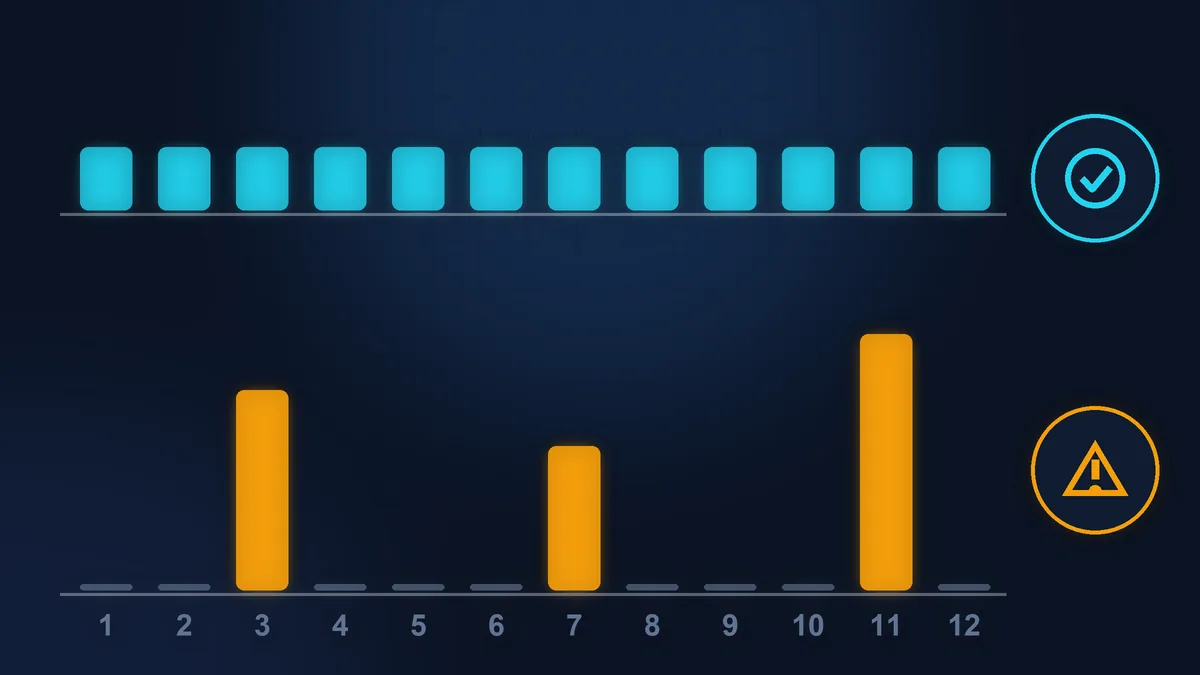
Calling in a specialist only when needed makes more sense if the site is small, rarely changes, most enquiries come in by phone and you are happy to do the updates yourself. A plan makes more sense if the site brings in enquiries or sales, has forms, bookings or a shop, and you don’t want to hear about a breakdown from a customer.
What the call-out bill does not show
You see the price of a call-out straight away. The cost of the problem itself usually comes to light later, and it can be higher. Three typical scenarios:
You updated it yourself, and the site went down
You clicked “update all” on a Friday evening, and instead of your site there is a blank white screen. There is no backup from before the update. While you look for someone who can take it on urgently, no enquiries come in, and specialists usually charge more for weekend work.
Silent malware for months
The site loads as usual, but for months it has been sending out spam. You find out when your emails to customers start landing in spam folders, your hosting company suspends the account or the browser shows visitors a red warning about a dangerous site.

Customers who never came back
Someone who saw the warning, or never got a reply to their enquiry, simply goes to a competitor. They will not write to tell you they have left. This loss does not appear on any bill.
After a silent infection like this, a single cleanup is not enough. The infection has to be removed and the hole it came through closed, then request a review from Google to remove the warning. According to Google, a malware review takes a few days, and after spam it can take up to several weeks. On top of that, the domain and the server have to be removed from email blacklists, and each list has its own procedure. Throughout all this, the site underperforms and some of your emails don’t get through.
So the question is not just what the service costs. What matters more is how much you lose while the site is being restored: enquiries during the days it is down, the trust of customers who saw the warning, and your own time spent finding help in a hurry. A maintenance plan is not there to make sure nothing ever breaks. It is there so that problems are spotted before your customers see them, and so there is always a backup to roll back to.
What you can do yourself without breaking the site
You can update WordPress yourself, as long as you do it in the right order. Every week or two:
- Make a backup. With a backup plugin or in your hosting control panel (many hosting companies already make backups automatically; look for a section called “Sauvegardes” or “Backups”). Make sure the backup is downloaded to your computer or stored somewhere other than the site’s own server. The WordPress documentation recommends keeping several backups in different places (WordPress).
- Open Dashboard > Updates. This shows what is waiting to be updated: core, plugins, themes.
- Update one thing at a time. Plugin by plugin, then the theme, then WordPress itself if there is an update for it. After each one, open the site. If something breaks, you know straight away what caused it.
- Check the essentials. The home page, the contact form (send yourself a test message), the menu on mobile, the basket if you have one.
- If something breaks, don’t panic. Restore the backup or deactivate the last plugin you updated. The detailed steps are in Website broke after a WordPress update.
Auto-updates are turned on separately for each plugin: go to Plugins, find the “Automatic Updates” column and click “Enable auto-updates”. For a theme, the same link is in the theme details (Appearance > Themes). Turn them on for simple plugins, and update the big ones (page builder, shop, forms) by hand, following the steps above. WordPress gives the same advice: before turning on auto-updates, make sure you can roll back.
A short checklist before you sign a maintenance plan
- The price is stated excl. VAT (HT) or incl. VAT (TTC), and it is clear how much you will pay in the end.
- It says whether a backup is made before every update and where it is stored.
- It says who checks the site after an update, and how.
- The response time and working hours are stated.
- There is a list of what is not included and the price of work outside the plan.
- It is clear whether cleanup after a hack is included.
- The minimum term and how to cancel are stated.
- Logins, backups and licences stay with you after the contract ends.
When not to do it yourself
If the site has not been updated for a year or more, there are dozens of updates waiting and the PHP version on your hosting is old, this is no longer a one-evening job. The updates will have to be installed in a particular order and the risk of something breaking is high, so it is better to hand this over to a specialist. The same goes for a shop with live orders: a broken basket costs more than a month of maintenance.
If your time is worth more
You can do everything above yourself: half an hour every two weeks, a backup, updates one at a time, a check of the form. For a small site, that is often enough.
If you would rather run your business than your plugins, Zen Webmaster will take care of the technical side: WordPress maintenance with backups, updates and form checks, and no minimum term.
Rather not deal with it yourself?
Describe the task in a few words. I'll reply within one working day with what needs doing, the price and the timing.
Latest posts