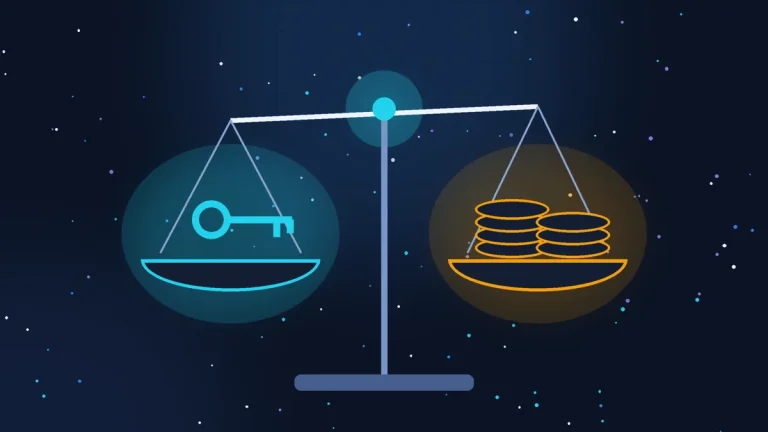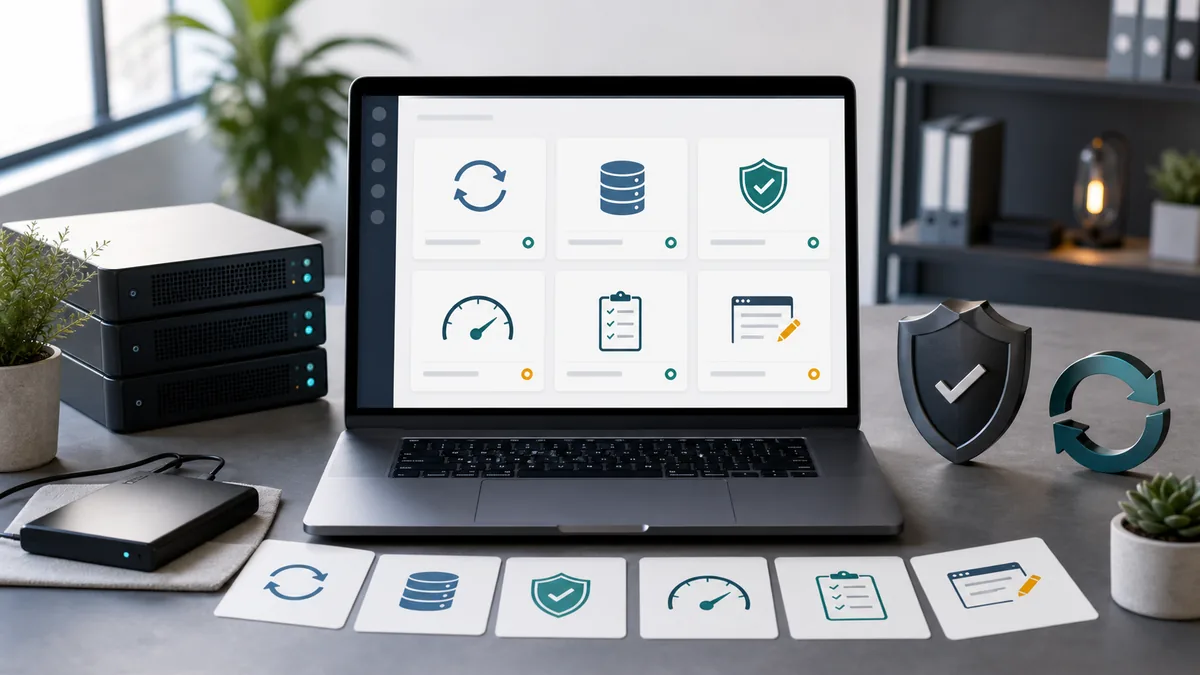
Website maintenance is not “update the plugins now and then”. Proper maintenance cuts down three practical risks: the site stops accepting enquiries, the site gets hacked, or the owner loses data or access.
For small and medium businesses in France, this is no longer theoretical. According to France Num’s 2025 figures, 52% of small businesses worry about data loss or a hack, and 36% have already faced a cyber incident. That is why maintenance should be judged on concrete actions, not a nice-sounding phrase in a contract.
What proper maintenance should cover
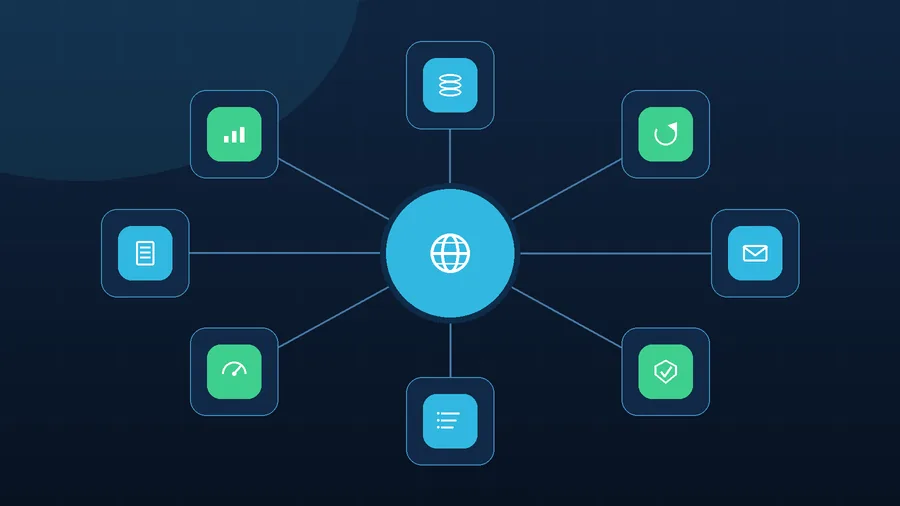
Good maintenance breaks down into clear blocks.

Backups
You need a backup of both the files and the database. Not just “somewhere on the host”, but with a clear frequency, a defined retention period, and a genuine ability to restore the site. For a working site, the minimum is a regular database copy, a copy of the files, storage outside the main site folder, and periodic restore testing.

Updates
WordPress, the theme, plugins, and sometimes the PHP version all need updating. But an update should never be a blind click. The proper sequence is: backup, compatibility check, update, then a check of the main pages, forms, menu, cart or booking system.

Forms and e-mail
A form can show “message sent” while the e-mail never arrives. That means periodically checking contact forms, SMTP, system notifications, SPF, DKIM and DMARC. For a business, a lost enquiry is often more expensive than a month of maintenance.

Security
This means watching the WordPress user list, unnecessary admin accounts, weak passwords, old plugins, suspicious files, access permissions and messages from the host. On a WordPress site that has not been updated in a long time, the risk rarely jumps suddenly; it climbs gradually.

Server log analysis
This is an important point that often gets skipped. Server logs show what is invisible on the site itself: frequent 404 and 500 errors, login attempts, repeated hits on wp-login.php, xmlrpc.php, admin-ajax.php, suspicious POST requests, PHP overload, memory issues, odd IP addresses and mass requests to pages that do not exist.
Regular log analysis helps tell the difference between a site that just “lags occasionally” and one where password guessing, vulnerability scanning, a plugin error, a server problem or a spam attempt is already underway.

Speed and technical condition
This means keeping an eye on image size, caching, JavaScript errors, heavy plugins, server load, response time and the mobile version. Speed affects more than a PageSpeed score; it affects enquiries too. If a page is slow to open on a phone, some customers simply leave.

Content and freshness
Website maintenance is not purely technical. Prices, services, opening hours, photos, legal pages, contact details and social media links go stale too. If a customer spots outdated information, trust drops before the first phone call.

Reporting
The owner should know what was actually done: which updates went through, whether there were errors, when the last backup happened, whether the forms were tested, whether anything suspicious came up, and what still needs sorting out. Without a report, maintenance turns into “we did some stuff”.
A real-world example
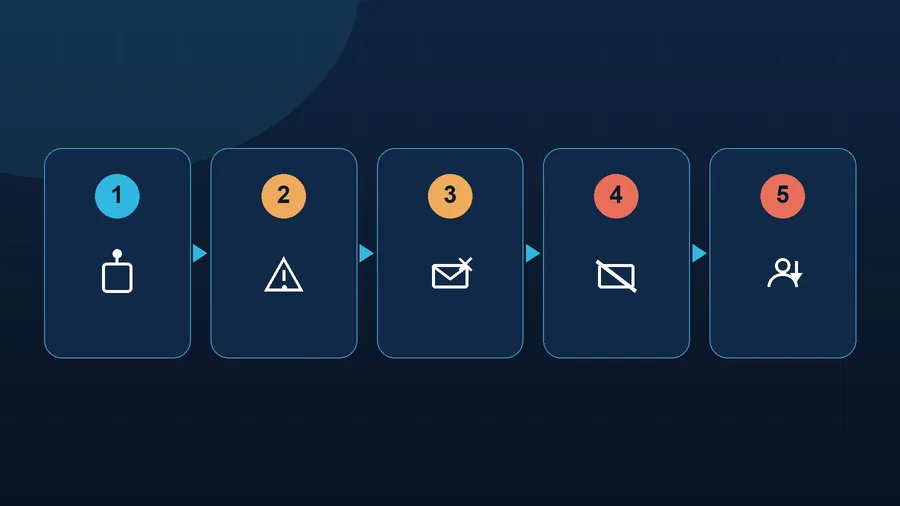
Picture a small services site running on WordPress. It has a contact form, mail on its own domain, a handful of service pages, and a blog. The owner has not logged into the admin area in a while: one plugin is out of date, the backup has never been tested, and nobody looks at the server logs.
Through a vulnerability, an attacker gains access to the site. From the outside it still looks normal, so the owner does not notice straight away. But inside, a malicious file appears, hidden pages get created, and a spam campaign starts going out under the domain’s name.
From there, a chain of consequences kicks in.
- the host spots a mass e-mail send and throttles outgoing mail;
- the domain or IP address lands on spam blocklists;
- e-mails from the site and the business mailbox start landing in spam or getting rejected outright;
- the contact form still technically works, but the enquiries never arrive;
- Google finds the hacked or spam-filled pages;
- a security warning appears in Search Console;
- search results may start flagging the site as dangerous or hacked;
- some pages lose visibility, and ad performance and enquiries drop.
By this point the problem is no longer “update a plugin”. It means stopping the spam send, preserving evidence, taking a technical copy, finding the entry point, cleaning the files and database, removing hidden users, changing passwords, rotating keys, checking access permissions, closing the vulnerability, removing the spam pages, restoring the correct 404 or 410 codes, submitting the site for a Google review, rebuilding mail reputation, and working through the blocklist removals.
That can take days, sometimes weeks. While it drags on, the business loses enquiries, trust and revenue. The most frustrating part is that some of the damage does not show up at the moment of the hack, but later: e-mails already are not arriving, Google has not lifted the warning yet, and customers are not sure it is safe to open the site.
What an owner can check themselves
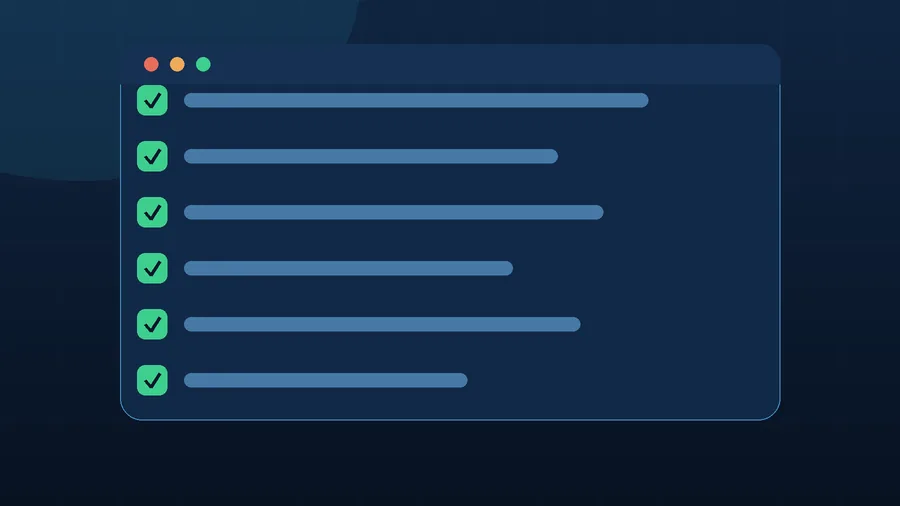
Before ordering maintenance, it is worth asking a few specific questions.
- When was the last backup of the files and database?
- Where is the copy stored, other than on the main site?
- Who checks that it can actually be restored?
- How often are WordPress, the theme and plugins updated?
- What happens if the site breaks after an update?
- Are forms and e-mail delivery checked?
- Are SPF, DKIM and DMARC configured for the domain’s mail?
- Does anyone review the server logs and PHP errors?
- Is there a check for suspicious users and files?
- Is Google Search Console set up, with security alerts enabled?
- Does the owner receive a short report on the work done?
If these questions do not have clear answers, there is not really any maintenance happening. There is only hope that the site will not break.
Common maintenance mistakes
The most expensive mistakes usually look perfectly calm.
- a backup exists, but nobody has ever tried restoring it;
- updates run with no copy of the site in place;
- the form has not been tested in months;
- the site’s mail is not set up through proper SMTP;
- the owner does not know who has admin access;
- old plugins stay put “because they still work for now”;
- nobody ever opens the server logs;
- Search Console warnings get ignored;
- the maintenance contract does not say what happens with an urgent problem.
The issue is not that a site might one day break. Any system can have an incident. The issue is that without a process in place, the owner finds out about it from a customer, from the host, or after enquiries have already dropped.
When it is better to delegate
Delegating maintenance is worth it if the site brings in enquiries, and is tied to business e-mail, advertising, bookings, sales or the company’s reputation. The more a site affects revenue, the less sense it makes to maintain it haphazardly.
Zen Webmaster can take on regular technical maintenance: backups, updates, form checks, basic security, server log analysis, error monitoring, speed, small fixes and a clear report.
If you want to see what maintenance includes in practice, take a look at the website maintenance page and our pricing.
If you have the time and the interest, part of this checking can be done yourself. But if the site needs to work as a genuine business tool, it is better to have a clear process behind it and someone responsible for keeping it in technical order.
Rather not deal with it yourself?
Describe the task in a few words. I'll reply within one working day with what needs doing, the price and the timing.
Latest posts