
A slow site annoys customers and owners alike. But the real issue is that it can cost you enquiries: someone opens the page on their phone, waits a few seconds, does not find what they need, and leaves for a competitor instead.
Website speed is not just a case of “the hosting is bad”. The problem is usually a combination: heavy images, unnecessary plugins, no caching, a slow theme, external scripts, and errors left behind by updates.
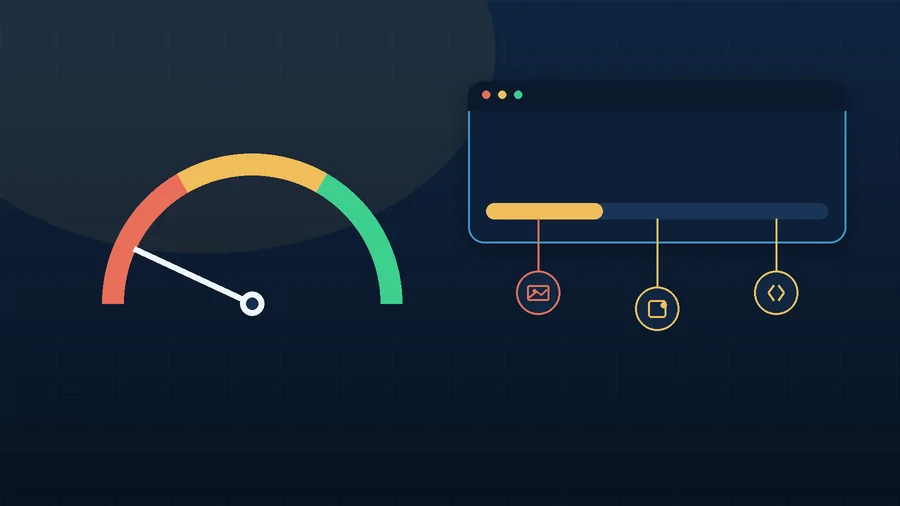
What the numbers show
A site counts as a problem if the first screen takes too long to appear, everything loads in jerky bursts on a phone, and Google PageSpeed shows red or orange scores. It is worth testing from more than just the office on good Wi-Fi; a site can feel fast to the owner and slow to a customer on mobile data.
7 reasons a website drags its feet
- Heavy images. A phone photo can weigh 4-8 MB, and there might be a dozen of them on one page. Resize them, use WebP, and do not upload a 4,000 px image where 800 px would do.
- No caching. WordPress rebuilds the page from scratch on every visit. Caching serves a ready-made version faster, but it needs to be configured carefully so it does not break forms, popups and language versions.
- Too many plugins. Each one adds CSS, JavaScript and database queries. The issue is not the number itself, but plugins that go unused or duplicate each other.
- A slow theme or page builder. A slider that only appears on the homepage can still load its files on every page; icon sets and animations sometimes pull in entire libraries for the sake of two or three elements.
- Poor mobile behaviour. Images do not resize properly, a slider loads desktop-sized images on a phone, and blocks jump around while loading. For a small business, mobile often matters more than desktop.
- External scripts. Analytics, maps, chat widgets, ad pixels and fonts are each useful on their own, but together they add real weight to the site.
- Hosting or the server. If even empty pages open slowly and the admin area lags, the server itself may be the issue. But switching hosts should follow a diagnosis, not replace one.
What you can check yourself
Open the site on a phone without Wi-Fi and check the homepage, a service page and the contact page: does the first screen appear quickly? Run PageSpeed Insights, note the slowest pages, and think back to when things got worse: an update, a new plugin, new photos or a new slider. That information helps track down the cause faster.
What not to do straight away
Avoid installing several caching plugins at once, switching on every optimisation option in one go, deleting plugins without a backup, or changing hosts without a diagnosis first. Speed optimisation should improve the site, not break forms and enquiries in the name of a nicer test score.
When it is worth asking for help
If you want to work it out yourself, start with images, mobile and PageSpeed; that is a solid first step. If the site is slow and you do not know why, a proper diagnosis checks every likely cause at once rather than guessing at one, and leaves you knowing exactly what to fix: images, caching, scripts, the theme, mobile, or the server.
If the site is still slow after checking these points, take a look at website speed optimization and what regular website maintenance includes.
Zen Webmaster can carry out that diagnosis and optimisation for you; your job is to run the business, and the site’s job is to open quickly and stay out of the way when a customer wants to get in touch.
Rather not deal with it yourself?
Describe the task in a few words. I'll reply within one working day with what needs doing, the price and the timing.
Latest posts