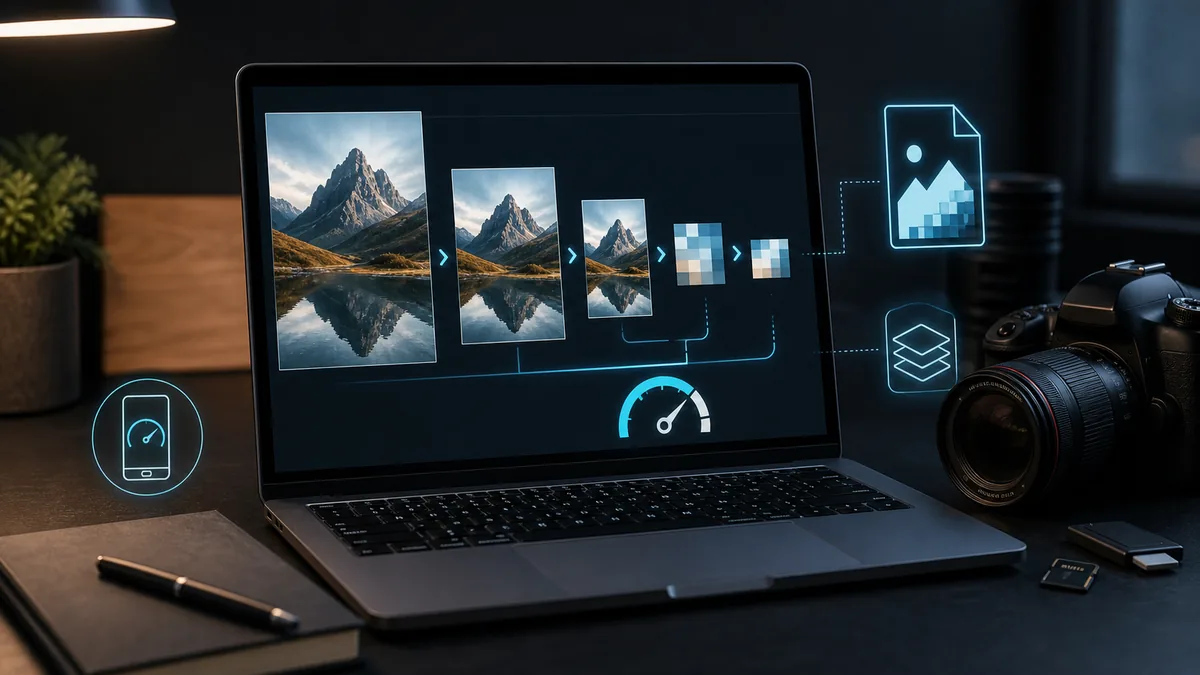
Oversized photos are one of the most common causes of a slow website. A phone camera can take a beautiful picture, but a 4-8 MB file has no place on an ordinary page. Upload images like that as they are, and the site will load slowly, especially on a phone.

Speed has a direct effect on the customer experience: if a page takes too long to load, someone can leave before they even see the service or the enquiry button. Optimising images is a simple task, and the site owner can handle part of it themselves.
What good looks like, and what usually goes wrong
For a website, a width of 1200-1600 px is generally enough, in WebP or a well-compressed JPG, weighing up to 100-250 KB for an ordinary photo. The common mistakes are simple: uploading a 4,000 px photo with no compression, using PNG for ordinary photographs, leaving file names like IMG_1234, or adding 20 photos to a single page with no editing down.
Where the risk lies
A slow site quietly chips away at enquiries: the page takes longer to load, mobile visitors leave, and backups and the admin area both get heavier as large files pile up.
What you can do yourself
- pick only the photos a page actually needs
- resize the width down to 1200-1600 px
- save as WebP or JPG
- name the file for what it shows, not IMG_1234
- check how the page looks and loads on a phone
When it is better to delegate
If there are a lot of photos, or the site is already heavy, it is better to set up systematic optimisation straight away: WebP, correct dimensions, lazy loading and caching. Zen Webmaster can set up automatic image optimisation so you are not doing this by hand for every single photo.
Rather not deal with it yourself?
Describe the task in a few words. I'll reply within one working day with what needs doing, the price and the timing.
Latest posts