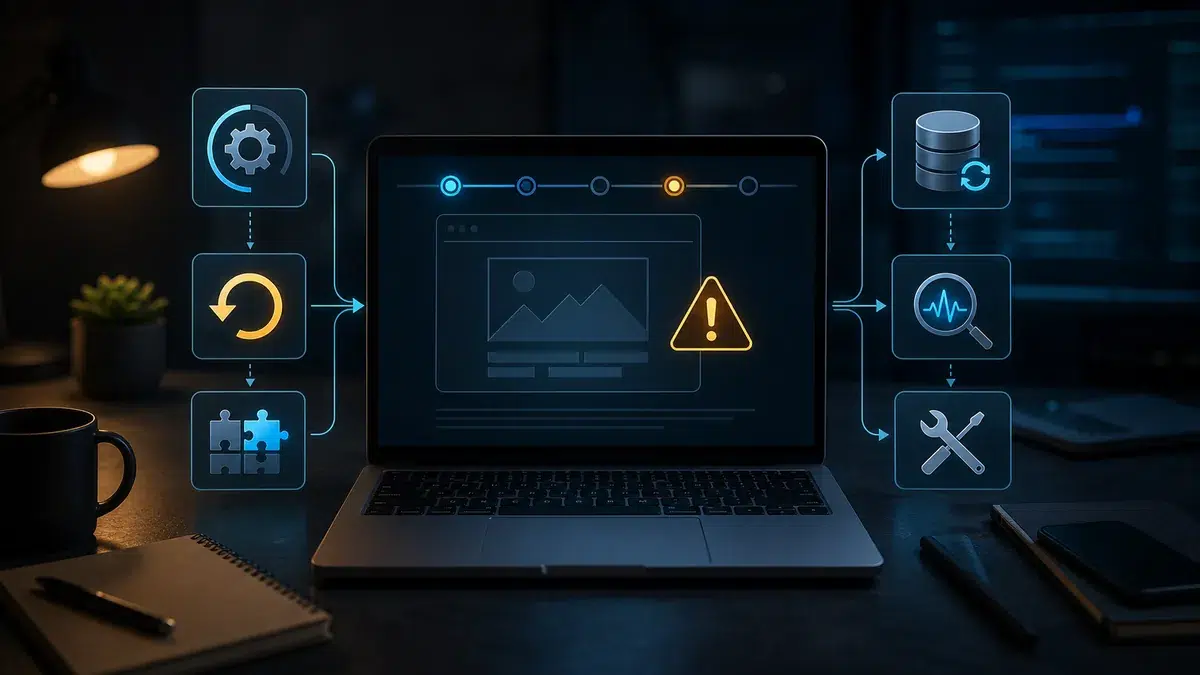
Sometimes, after WordPress, a theme or a plugin gets updated, a site starts looking odd, shows an error, or stops sending forms. The key thing in that situation is not to panic and start clicking on everything, but to work through a calm, methodical process.
A WordPress site is made up of many moving parts: core, theme, plugins, PHP, caching; if one of them changes, a conflict can appear. Updates are necessary for security, and that is exactly why they are worth doing carefully rather than avoiding out of fear.
What should happen, and what usually makes things worse
A proper update process: a backup beforehand, updating one thing at a time on a complex site, checking the main pages and forms after each step, clearing the cache, and having a rollback plan ready in case something goes wrong.
After something breaks, many people do things that make recovery harder: updating even more plugins, deleting random files, switching themes at random, or cleaning up the database with no copy in place, and not saving the error message that would have helped a specialist diagnose it.
What you can do yourself
- write down exactly what was updated right before the site broke
- make a copy of the current state if the site is still accessible
- save the error message or a screenshot
- check whether a recent backup exists
- clear the cache if the site looks like it is showing an old version
When it is better to delegate
The risk grows if the site gets fixed through random clicking: it is easy to lose track of the actual problem, break parts that were still working, or spend hours with nothing to show for it. If the site matters for enquiries, it is better to work through a backup and a proper diagnosis; a fast, chaotic fix often ends up costing more.
Zen Webmaster can run a diagnosis after a breakdown and bring the site back to a working state without losing any data.
Rather not deal with it yourself?
Describe the task in a few words. I'll reply within one working day with what needs doing, the price and the timing.
Latest posts