
A local repairman opens Google Maps, searches for his business by name and cannot find it. He set up his Business Profile a week ago, filled in the opening hours and added photos. Or another scenario: an email arrives saying his Google Business Profile has been suspended, and calls from Maps stop overnight.
Google Business Profile (in France people often just call it the fiche Google) is the panel with your address, opening hours, reviews and call button that Google shows in Search and on Maps. I explained why it matters alongside a website in Google Business Profile or website: which matters more. This article is about something else: what to do if your profile is not showing or has been suspended.
When I set up the profile for Zen Webmaster, I went through every point in Google’s help where people usually trip up. The rules, statuses and steps below come from Google’s official help, with links at the end. Where the advice is mine rather than Google’s, I say so.
No time to deal with this?
We can go through your profile together in a starter consultation: an hour’s conversation (from €49 excl. VAT) and a written plan you can then follow on your own. If you’d rather do it yourself, everything is explained step by step below.
First, work out what actually happened
“My business isn’t on Google” can mean four different situations, and each one has a different fix.

Not verified yet
Your profile shows a Get verified button. Until verification is complete, you do not fully control the profile, and it usually does not appear in Search or on Maps. This is not a penalty, just an unfinished step.

Profile suspended
Google has suspended or disabled the profile for breaking its guidelines. You get a notification, and the profile states the reason. The way out: fix the issue and submit an appeal.

Account restricted
The restriction applies to the whole Google account: every profile you manage is suspended, and you cannot create new ones. You appeal for the account first, then for the profile.

Just not showing for a search
The profile is verified and working, it comes up when people search your name, but you do not appear for “electrician near me”. That is a question of local ranking, not a suspension.
How to check quickly. Open your profile (type your business name into Google Search or go to business.google.com) while signed in to the Google account that manages it: that is where verification and suspension notices appear. To see the profile the way a customer does, Google suggests opening it in an Incognito window in Chrome or in Maps.
A quick word on the last case. Google says local results depend mainly on relevance (how well the profile matches the search), distance from the person searching and prominence (reviews, mentions, links). The help says plainly that there is no way “to request or pay for a better local ranking”. If someone is searching 30 km away and three other tradespeople are close to them, you will most likely be shown lower down.
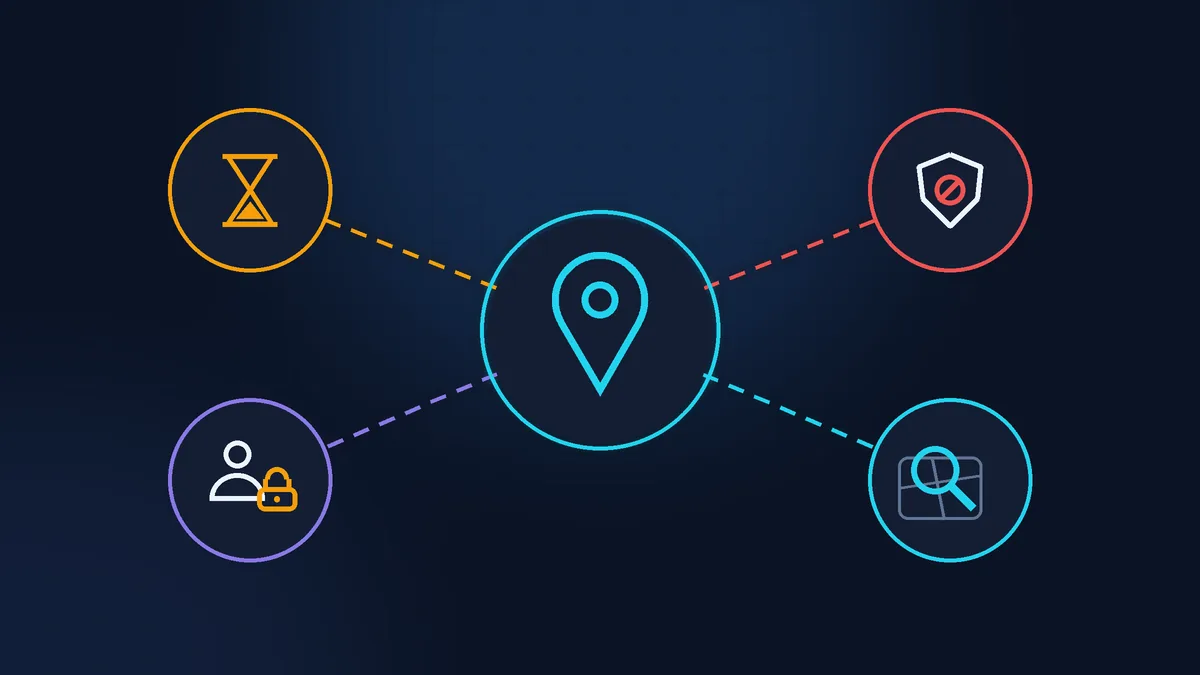
Common violations that get a Google Business Profile suspended
Everything below comes from Google’s guidelines for representing your business on Google. If your profile has been suspended, check these points first.
Keywords in the business name. The name must match your signage, website and documents. “Plomberie Dupont” is fine, “Plomberie Dupont - plombier pas cher Istres 24h” is not. The guidelines state outright that unnecessary information in the name can get the profile suspended. The town, services and slogans belong in the categories, services and description.
An address you don’t work from. Google requires your actual address. P.O. boxes and mailboxes at a remote location are not accepted. A domiciliation address (société de domiciliation, a French registered address service) where you only receive mail does not qualify either. The guidelines are explicit: if a business rents a mailing address but does not operate from it, also known as a virtual office, that location is not eligible for a Business Profile. Enter the place where you really work (your home, for example) and hide it, more on that below. A co-working space only counts if it has signage with your business name and someone is there to receive customers during business hours.
You travel to customers, but the address is visible. If customers do not come to you, Google requires you to hide the address. The guidelines put it this way: if you’re a service-area business, you should hide your business address from customers.
Online-only businesses. Business Profiles are for businesses that meet customers face to face, at their premises or at the customer’s. Google does not give a profile to a purely online service.
Multiple profiles. One business, one profile. A practitioner should not create a separate profile for each service, and several profiles for the same business in the same area can get the whole account restricted.
Repeated edits. Google reviews changes before publishing them. Changing the address of a verified business means verifying it again, and changing the name may require it. So fill everything in carefully once, rather than changing the name and address every week while you wait for a result.
No office: the service area
For people who travel to customers or work from home, Google has a separate option: a service-area business profile. You give an address for verification, but customers do not see it. In the help, the path is: Edit profile > Location, next to Business location select the pencil icon and turn off Show business address to customers. Then add your area: towns or regions, up to 20, within about two hours’ drive.
That is the option I chose: customers do not come to my home, and I work remotely and on site. I set the area as the surrounding towns rather than “all of France”: in local search, Google takes distance into account anyway (that is my own choice, not something the help requires).

Video verification: what to film
Google chooses the verification method: phone or SMS, email, video, live video call, sometimes a postcard with a code. If your website is already verified in Search Console, the help also mentions instant verification through it (more reliable when it is the same Google account). If Google offers you video, prepare for it in advance: videos get rejected over small details.
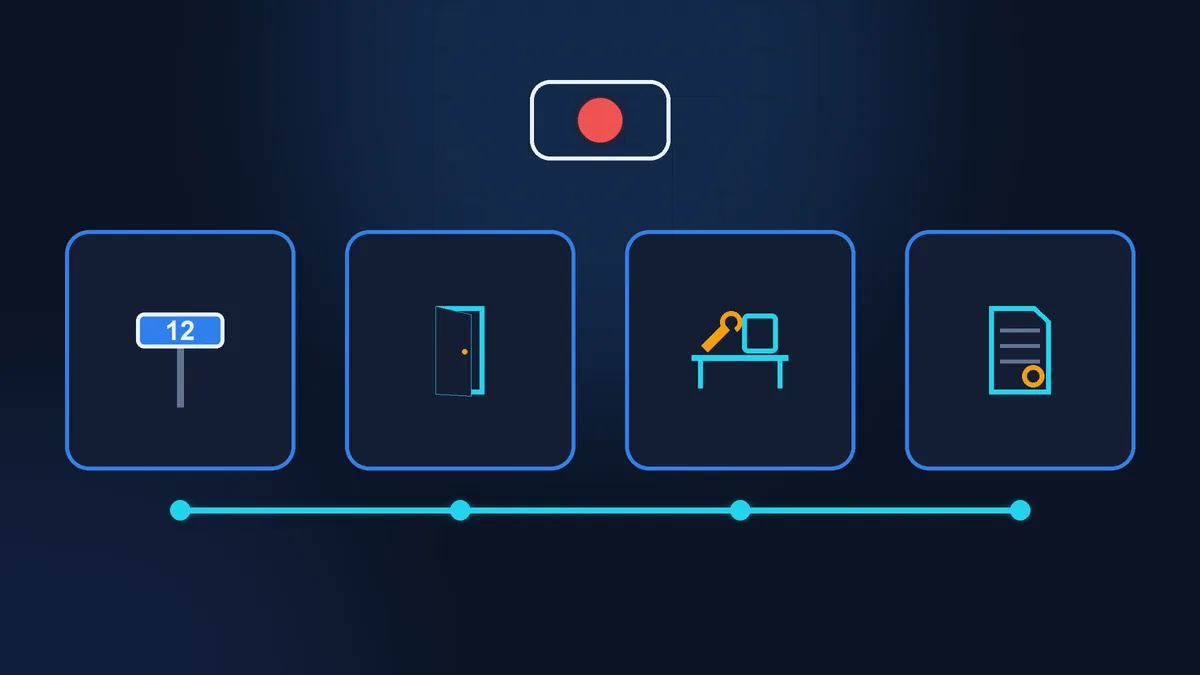
Google’s requirements for the recording: it is filmed live in the app on your phone, in one take, unedited, and at least 30 seconds long. You cannot upload a video you recorded earlier. The footage must show three things:
- Where you are. Street signs, the building number, visible landmarks nearby.
- That the business exists. For a shop, the sign with the same name as on the profile. If you travel to customers, your tools, equipment, business cards or clothing with your logo.
- That you manage it. Access to the till, kitchen or stockroom, carrying out a service, a company vehicle with your logo, or documents with the business name.
What must not appear: bank account numbers, tax and ID numbers, other people’s faces and personal information. The review takes up to five working days. If the video is rejected, open the notification about the issue in the app (the Review issues button), read the reason and record a new video: everything that was in the first one, plus whatever was missing.
A particular trap for micro-entrepreneurs (France’s simplified sole-trader regime). In the business register, your business name is your surname and first name, while the profile is called, say, “Atelier Lumière”. If the footage only shows documents in your own name, the reviewer may not see the connection. Check on annuaire-entreprises.data.gouv.fr (the official French business directory) whether you have a trading name (nom commercial) on record. If not, you can add one by filing a change on formalites.entreprises.gouv.fr (the INPI one-stop shop for business formalities), preferably before verification. And show a document where both names appear side by side: an invoice with your letterhead or the mentions légales (legal notice) page of your website.
Appeals: how to submit one and how long to wait
If your profile has been suspended, you challenge it in the official appeals tool, linked from the help page on fixing suspended or disabled profiles. The steps, according to the help:
- Fix whatever broke the guidelines: the name, the address, the duplicate.
- Open the appeals tool with the account linked to the profile, confirm the account and select the profile. Google shows the reason and the policy that was violated. Select Submit appeal, attach your evidence and send it.
- Attach evidence: business registration documents (in France, for example, an avis de situation SIRENE (the INSEE registration certificate) or an extract from the business register: RNE, or a Kbis for a company), licences, tax certificates, an electricity, phone or internet bill. The name and address on the documents must match the profile. You can only appeal once, so gather your evidence beforehand and check that nothing is missing.
- Wait for the email with the decision. The status is shown in the same tool: Submitted, Approved, Not Approved, as well as Eligible for appeal and Can’t be appealed.
If the whole account is restricted, you first appeal on the My accounts page, and only then for the profile.
Google does not say on that page how long to wait. It does, however, clearly ask you not to create a new profile for the same business while the appeal is being reviewed. A new profile in place of the suspended one is a duplicate, in other words one more violation.
Search results are full of offers to “unsuspend your profile in 48 hours”. Google makes the decision either way: you can submit the appeal yourself for free, and a middleman has no special button to press. Paying only makes sense for the time saved, if you would rather not deal with it yourself.
A short checklist before you submit
- The name matches your signage and documents, with no towns or services.
- The address is the place where you really receive customers, or it is hidden and a service area is set.
- One profile per business, duplicates removed or never created.
- You have a document at hand with the same name and address as the profile.
- While verification or an appeal is under way, you do not change the name, address or category.
When to get help
Owners can handle verification and appeals themselves: they take documents and time, not technical skills. It gets harder when suspensions keep happening, the whole account is restricted, or it is unclear which rule was broken. In that case, ask on the Google Business Profile Help Community forum, where experienced members answer questions.
If you’d rather not connect the profile to your website, sort out the address and name or plan your launch steps on your own, we can do it together in a starter consultation: an hour’s conversation (from €49 excl. VAT) and a written plan you can then follow on your own. What else a local business needs besides its profile is covered in a website for a salon, tradesperson or local service.
Sources (Google Business Profile Help, checked 15/10/2026): guidelines for representing your business on Google; sign up for Business Profile and hide your address; get started with Google Business Profile; verify your business on Google; verify your business with a video recording; fix suspended or disabled profiles; edit your Business Profile; tips to improve your local ranking.
Rather not deal with it yourself?
Describe the task in a few words. I'll reply within one working day with what needs doing, the price and the timing.
Latest posts