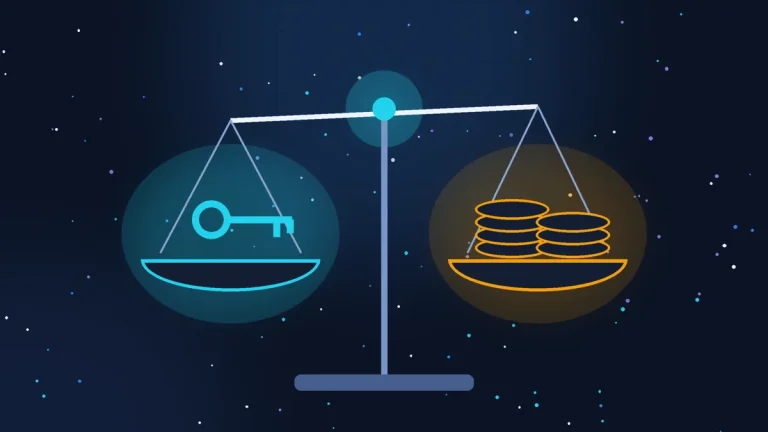
According to Bpifrance Le Lab, in January 2026 55 per cent of French small and medium-sized businesses were using generative AI. A year earlier the figure was 31 per cent.
Almost none of those people stopped to think about what happens to the text they paste into the chat window. And that is understandable: the tool looks like a notepad and behaves like somebody else’s server.
I am not a lawyer. What follows is the practical side of the question, with the CNIL guidance, which exists precisely for this.
Why free differs from paid
The difference is not in the quality of the answers. It is in the terms under which your data is processed.
In free public versions the terms of service generally allow the text you type to be retained and used to improve the model, unless you have specifically switched that off in the settings. In business versions the contract usually says the opposite: data is not used for training, there is a confidentiality commitment, sometimes separate hosting.
In April 2026 the CNIL updated its guidance on AI and personal data. The main point has not changed: automated processing of personal data through AI gets no separate, gentler regime. The same rules apply as to any other processing.
The practical conclusion: the moment you paste a customer’s name into a free chat, you have passed personal data to a third party, and it is you who will have to explain it, not the company that built the model.
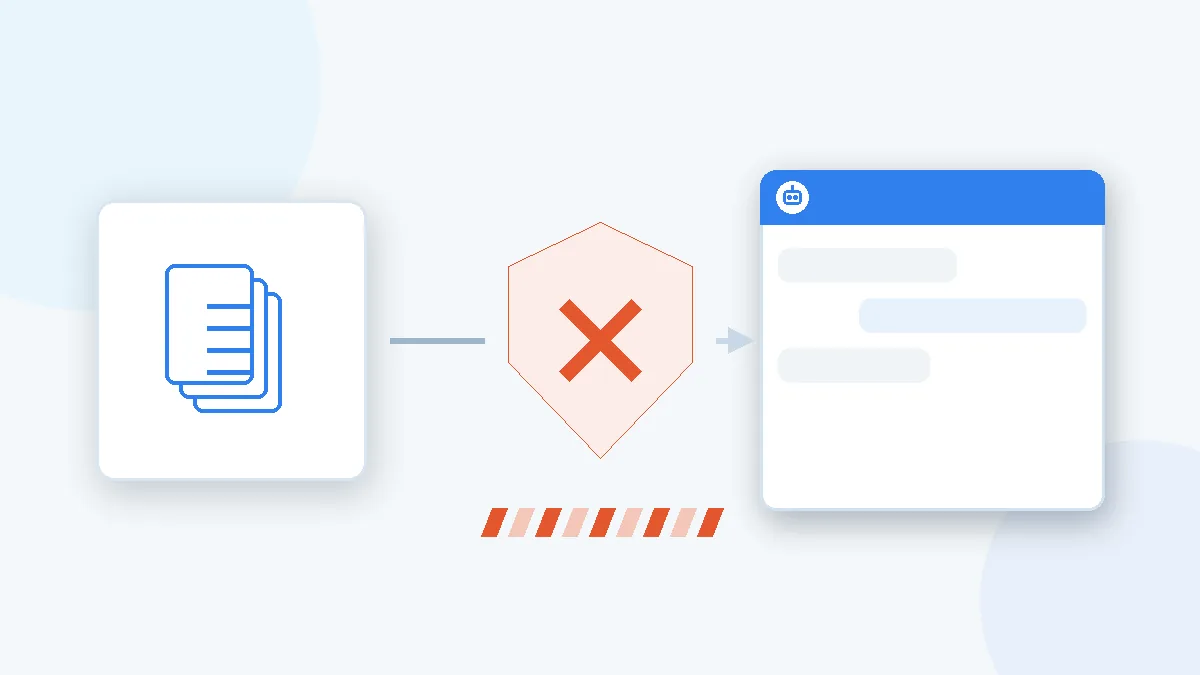
What not to send
The list is short, and it is not about paranoia. It is about what happens every day.
Your customers’ personal data. A name together with a phone number, an address, an order number or a diagnosis. A customer’s message in full, if it carries their signature and contact details.
Exports and databases. An order export, a subscriber list, a spreadsheet of contacts. The temptation is strong - “just add this up for me” - and AI genuinely is good at adding up. But you hand over the whole base at once, not one contact.
Documents. Contracts, invoices, scans of ID papers, statements. Scans above all: they usually contain everything at once, address and document number included.
Credentials. Passwords, API keys, database connection strings. A separate category, because the risk here is not legal but immediate: the access leaks, and the story continues as a break-in.
Internal data about people. Candidate CVs, staff appraisals, HR correspondence. For uses like these the AI regulation sets out a separate high-risk category, with considerably heavier requirements.
What you can send without worrying
Half of everyday work tasks need no personal data at all, if you phrase them slightly differently.
Instead of the customer’s message in full: a summary of the situation without names or contacts. Instead of the database: the structure of the table and your question about the formula. Instead of the real address: any made-up one for the example. Instead of the contract: the paragraph you do not understand, without the parties or the sums.
Tasks with no personal data in them by nature work particularly well: a draft description of a service, an analysis of a technical error, a translation of text for the site, an explanation of an unfamiliar term from a French document, a check of how a text is structured.

Do not send
- A customer’s name with phone number, address or order number
- Exports and databases: orders, subscriber lists
- Documents: contracts, invoices, scans of ID papers
- Credentials: passwords, API keys, connection strings
- Data about people: CVs, appraisals, HR correspondence

Safe to send
- A summary of the situation without names or contacts
- The structure of a table and your question about the formula
- A made-up address and phone number for the example
- The obscure paragraph of a contract, without parties or sums
- A draft service description, a translation, an error analysis
The one-question rule
Before you send anything, ask yourself one question: if this text turned up in the open tomorrow, who would be hurt and how badly?
If the answer is “nobody, it is a draft description of a service”, send it. If it is “the customer, who can be identified”, first take out whatever identifies them.
This rule replaces a long list and keeps working when services and terms change.
Where to check whether the service learns from you
It is a separate setting, and it sits in a different place in each service. The thing worth knowing before you even open the settings: the line runs by contract type, not by price. A personal subscription does not take your data out of training - it is still a consumer product. What takes it out is a business contract: Team, Enterprise, a company plan, the API.

ChatGPT
Settings, the Data Controls section, the switch about improving the model. On every personal plan, Plus and Pro included, it is on by default. For business plans and the API, training is excluded by contract rather than by a switch.
Claude
Settings, the privacy section, the model improvement option. Here it is the other way round: off by default, and it only applies if you switch it on yourself. Once on, de-identified data stays in the training pipelines for up to five years.

Gemini
The Gemini activity page in your Google account: myactivity.google.com, the Gemini section. A subscription does not change the status: this is a consumer product. Some conversations are read by human reviewers, and those copies are kept for up to three years and do not disappear along with your activity.
Mistral
Account settings, the control that lets you object to your input and output being used for training. On the API side data is kept for thirty days for abuse monitoring, and a zero-retention mode exists.
Menu labels change more often than the rules themselves, so search by meaning: “model improvement”, “improve the model”, “activity”. Data verified on 17.08.2026.
One question you can put to the service itself
If digging through settings is not your idea of an evening, ask the chat directly. The question fits any service:
Answer according to the current terms of your service, not from general knowledge.
- Are my conversations used to train models on my current plan?
- Is that on by default, or does it require my consent?
- Where exactly is it switched off in the settings: give the precise path through the menus.
- How long is my data kept after I delete a conversation, and after I switch training off?
- Give links to the official pages where this is stated.
If you are not certain about something, say so rather than guessing.
One important caveat: the model’s answer is a lead, not proof. A model can be wrong about the rules of its own service, especially if they changed recently. That is why the last point, the links, is the most valuable: they let you check the setting by hand and see what the terms say today rather than six months ago.
When the simple rule is not enough
Some cases call for a formal procedure rather than care.
If AI becomes part of a permanent process in which people’s data is handled regularly, a data protection impact assessment is required. That covers HR, legal and medical data, and heavy work with a customer base. The point of the procedure is down to earth: before launch, sit down and work through what happens if that data leaks or the model gets it wrong.
The second case: conversational AI on your own site. The visitors’ data is then handled by an external service without your involvement in each exchange, and the relationship is governed by a data processing agreement. That is the subject of the separate article about chatbots.
And one more thing that is rarely mentioned: the AI regulation requires a company using AI at work to make sure its people understand the tool well enough. No certification is needed, but handing an employee a password without explaining what must not go into it does not meet the requirement.
What to do this week
- Ask yourself and your colleagues who uses AI, and in which service.
- Check whether it is a free version or a business one.
- In the free version, switch off the use of data for training, if the option exists.
- Agree on a simple rule: names, phone numbers, addresses and documents do not go into the chat.
- For regular work tasks, move to a version covered by a contract.
Five points, half an hour, and the most common problem is closed.
The last word is still yours
Settings and contracts are tools, but the decision is made by a person, and made afresh every time. No switch removes the second before sending, the one in which you decide what exactly goes into the window.
The security of your business data is in your hands. A contractor can configure, explain and check: show where things are switched off, go through which services are already running on your site, help you choose a version with a contract behind it. But what goes into the chat is down to whoever presses send. That is not passing the buck, it is an honest description: no specialist is standing at your shoulder at the moment of sending.
Where I can help
Everything above is something an owner does alone; no specialist is needed. My part starts where AI is built into the site: a chat on the pages, an automated reply in a form, a third-party widget sending visitors’ data who knows where. That means going through which scripts run on the site, what they transmit and how they relate to your consent banner.
If you have the time and the inclination, tidying up your own habits is fine to do yourself. If you would rather run your business than work out which widget sends your customers’ conversations to someone else’s server, I can take the technical part.
Sources and data date: terms and help pages of OpenAI, Anthropic, Google and Mistral, verified on 17.08.2026; Bpifrance Le Lab, January 2026 (55 per cent of French small and medium-sized businesses use generative AI, against 31 per cent a year earlier); CNIL guidance on AI and personal data, April 2026; Regulation EU 2024/1689 (AI Act).
Rather not deal with it yourself?
Describe the task in a few words. I'll reply within one working day with what needs doing, the price and the timing.
Latest posts